
Slotorado Casino login
Slotorado login takes less than a minute when you know where to look. The sign-in form sits in the top-right corner of every page – click the button, enter your credentials, and the lobby loads instantly. All you need is the email address and password you used during registration. Below you will find step-by-step instructions, troubleshooting tips, and answers to common questions about accessing your account.

How to log in to Slotorado Casino
Follow these five steps to log in to Slotorado and reach your account dashboard:
Open the Slotorado website in any modern browser.
Click the Log In button in the upper-right corner of the homepage.
Enter the email address linked to your account.
Type your password in the second field.
Press Sign In – the system redirects you to the main lobby within seconds.
If your credentials are correct and your account is active, you will see your balance and recent activity right away.
Logging in on desktop
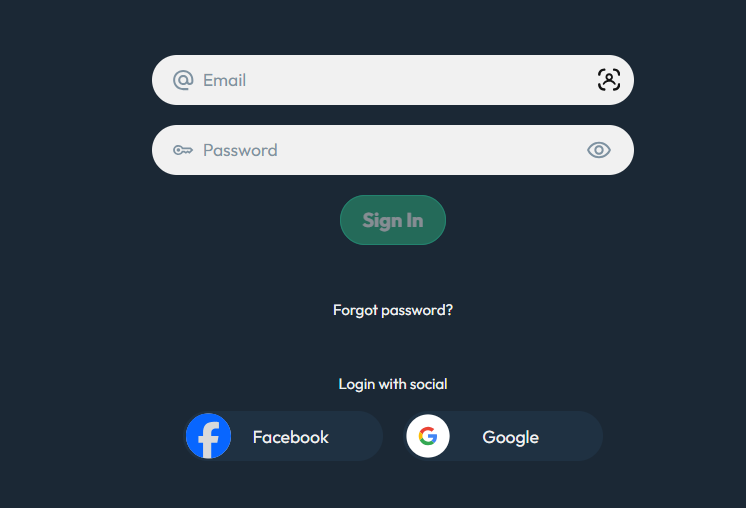
On a desktop computer, the login button is always visible in the site header. After clicking it, a pop-up form appears over the current page. Fill in both fields, confirm, and continue browsing without losing your place. Most desktop browsers can save your credentials so the next session starts even faster.
Logging in on mobile
On a smartphone or tablet, tap the menu icon first – the login option appears inside the navigation panel. The form is the same: email plus password. Touch-screen keyboards may auto-capitalise the first letter of your email, so double-check that the address matches exactly what you registered with.
Forgot your password? Reset it in three steps
A forgotten password does not mean a lost account. Use the password reset flow to regain access:
- Click Forgot Password beneath the login form.
- Enter the email address tied to your Slotorado account and submit the request.
- Open the reset link that arrives in your inbox, create a new password, and confirm it.
The reset link expires after a limited time. If you do not see the email, check your spam folder before requesting another one.
Common login errors and what they mean
Several issues can prevent a successful sign-in. The table below covers the most frequent login error messages and how to resolve each one.
| Error Message | Likely Cause | Solution |
|---|---|---|
| “Invalid email or password” | Typo in credentials or Caps Lock enabled | Re-type both fields carefully; reset password if unsure |
| “Account not found” | Email not registered or misspelled | Verify the address; register a new account if needed |
| “Session timeout“ | Idle session expired on the server | Refresh the page and log in again |
| “Too many attempts” | Multiple failed logins triggered a security lock | Wait 15–30 minutes, then try once more |
| “Browser cookies disabled” | The site cannot store your session token | Enable browser cookies in your settings and reload |
| “Region not supported” | IP address outside licensed territory | Confirm you are connecting from a permitted location |
Clearing your browser cache and cookies often resolves persistent issues that do not match any specific error message.
Signing in through the Slotorado app
Players who prefer a native experience can use the Slotorado NL login inside the dedicated mobile app. Download the app from the Slotorado app page, open it, and tap Log In. Your credentials are the same as on the website – no separate registration is required. The app stores your session securely, so you stay signed in between visits unless you log out manually.
When an account gets locked

A locked account usually results from one of three situations: too many incorrect password attempts, incomplete identity verification, or a manual restriction placed by the support team. If your KYC status is still pending, the system may limit access until documents are approved.
To unlock your account, contact Slotorado support through live chat or email. Provide the registered email and any reference numbers you received. Once the verification process is complete, full access is restored. New players who have not finished registration can revisit the sign-up guide to complete the remaining steps.
Keeping your Slotorado account secure
A strong password is the first layer of protection, but it is not the only one. Enable two-factor authentication in your account settings to add a one-time code requirement at every login. Always use a secure connection – avoid public Wi-Fi networks when entering your credentials. If you share a device with others, log out after each session and do not save passwords in the browser on that machine.